Introduction
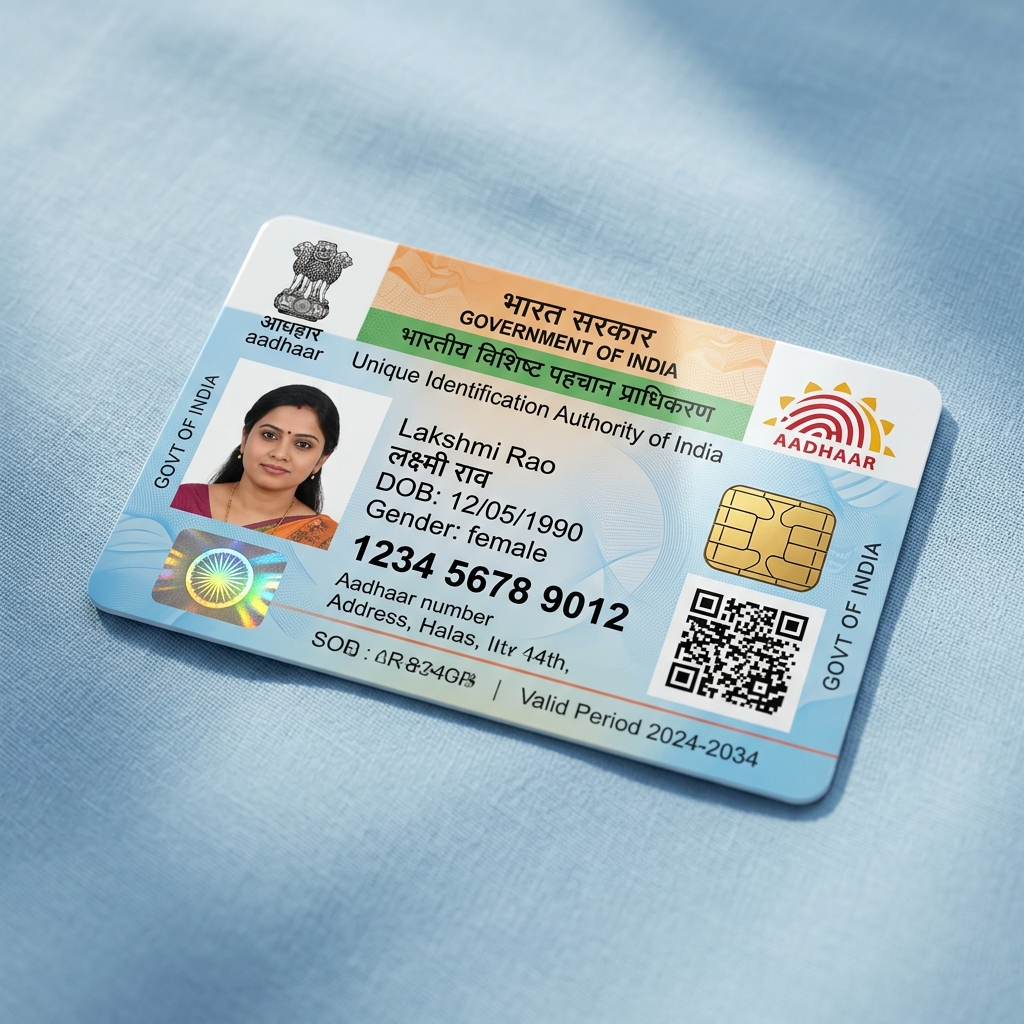
The Aadhaar card is the most crucial identity document in India. Carrying the paper printout in your pocket can lead to tearing, wetting, or wear. A premium PVC smart Aadhaar card is the perfect alternative. Here is a step-by-step guide on how to print your Aadhaar on PVC.
Step 1: Download your e-Aadhaar PDF
To print your Aadhaar, you need the official e-Aadhaar PDF file. You can download it directly from the UIDAI portal (myaadhaar.uidai.gov.in) using your Aadhaar number or Enrolment ID.
Step 2: Ensure OTP verification
During download, UIDAI will send a one-time password (OTP) to your registered mobile number. Complete this verification to download the password-protected PDF file.
Step 3: Order on UniqueCSCPoint
Go to our orders page, select 'Aadhaar PVC Smart Card', enter your name and phone, upload the downloaded PDF file, specify your village/district address, and complete the ₹149 payment. We print it on a high-definition PVC card and ship it with free delivery!